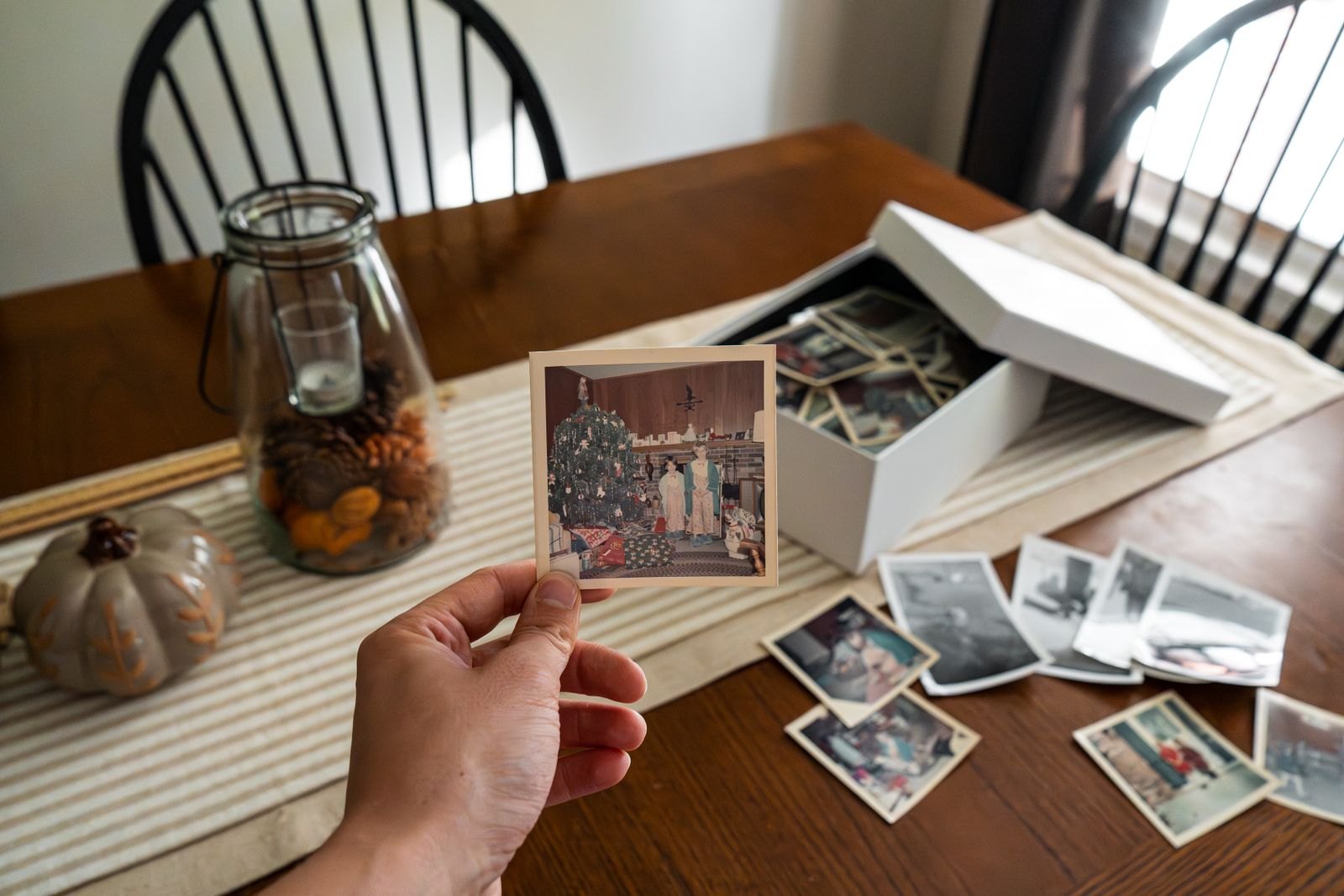
A family photo collection can be enormous and still make a particular picture difficult to find. Images are spread across phones, messages and old drives, while duplicates multiply whenever they are shared. Start with a usable structure for new photographs before attempting to sort every year at once.
Choose the main place where the collection will live and understand how it is backed up. Synchronization is not always the same as an independent backup; deleting an image in one place may remove it elsewhere. Check the service or device's actual behavior before clearing originals.
Give each batch a simple home
Year and month folders, or albums named for a clear event, can be enough. Add names or locations to selected photographs where the system supports it and where you are comfortable storing that information. Avoid creating dozens of nearly identical albums that require another search to distinguish.
Choose a small set of favorites after an event while you still remember what happened. Remove obvious accidental shots if you wish, but do not make perfect curation a condition of saving the collection. Everyday photographs may become valuable precisely because they show ordinary life.
A practical first project is the most recent family gathering. Gather the images you are entitled to keep, choose a few favorites and save them under a clear event name. Add a short note identifying people where useful. Then check that the folder appears in the intended backup. Completing this small cycle teaches you more about the system than moving thousands of older images into a new folder called photos to sort.
If several adults contribute, agree whether they add directly or send selected images to one person. Keep the effort reasonable so the collection does not become another invisible household responsibility. A person who enjoys organizing photographs can still need others to provide dates, names and their own selections rather than delivering entire unfiltered camera rolls.
Make sharing a separate decision
Ask before posting photographs of other people, especially children, and respect a request not to share. A private family album and a public social-media page are different audiences. Check access settings rather than assuming a link remains inside the original group.
For older photographs, record names, approximate dates and any uncertainty. A note saying possibly summer 1998 is more useful than an invented exact date. Invite relatives to add context without overwriting one person's memory as though it must be the only version.
Work through older material in small batches. One envelope or one year is a manageable project; every device in the house is not. Keep physical originals safe while scanning, and avoid throwing them away until you have checked the digital copies and decided what to retain.
Test that you can retrieve a photograph from the backup rather than merely assuming it exists. Store access information securely so the collection does not depend entirely on one person's memory. The goal is a collection people can revisit, not a filing system so elaborate that nobody wants to add the next picture.