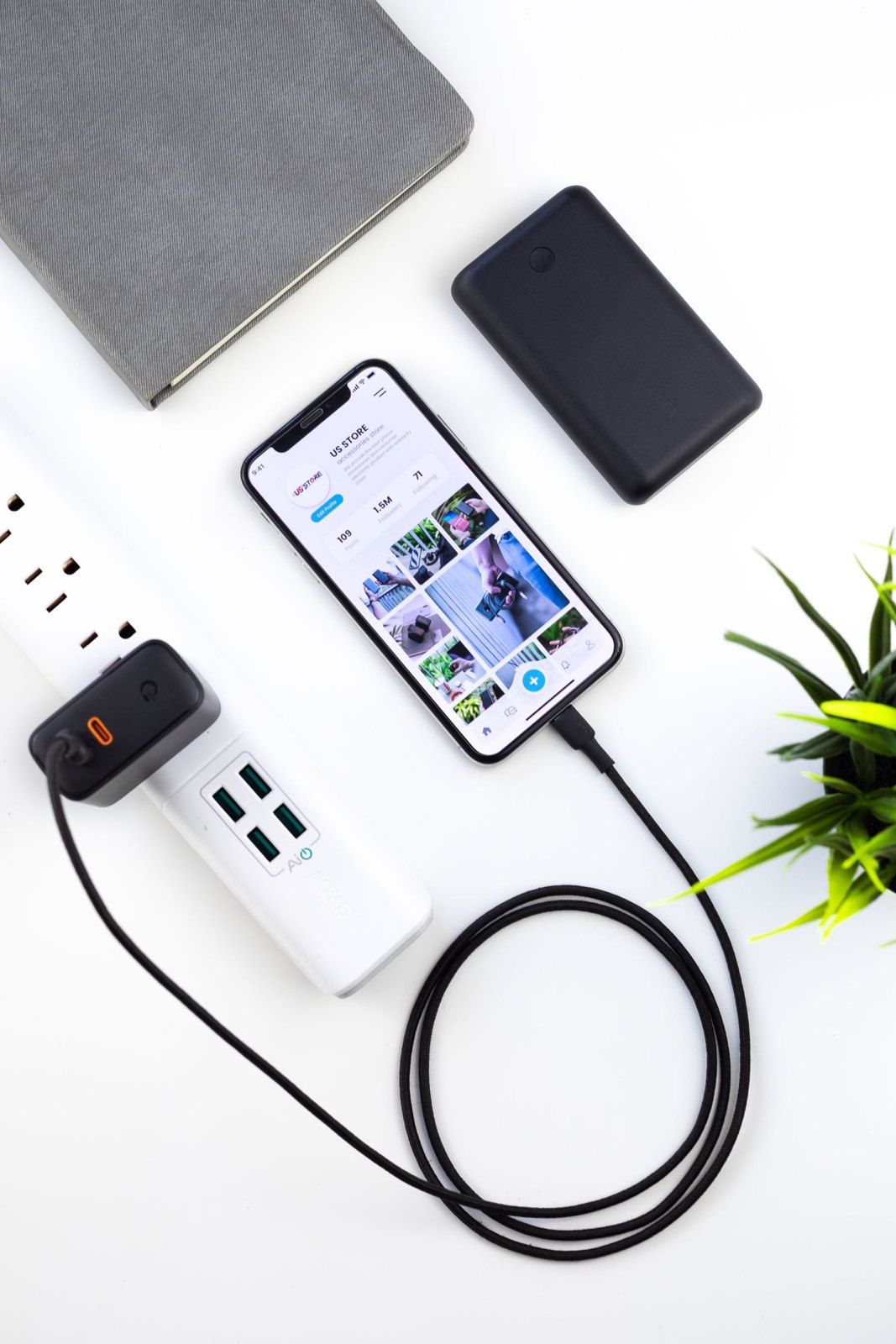
A charging area can free the dinner table from devices and loose cables, but its location needs more thought than finding an empty basket. Equipment should be used according to the manufacturer's instructions, on an appropriate surface with the ventilation it requires. A closed decorative box is not automatically a suitable place to charge devices.
List the devices that actually need the area and the chargers they require. Remove damaged equipment from use and check compatibility. A connector that fits does not establish that every charger or cable is suitable for every device.
Choose the location around use
Keep the area away from water, heat and soft furnishings that could cover equipment. Do not charge devices beneath bedding or bury them in a pile of fabric. Follow device-specific instructions about temperature, airflow and charging, and seek appropriate advice if the available outlet arrangement is unsuitable.
Route cords so they do not trail across walkways, hang where young children can pull them or become trapped under furniture. Do not overload outlets or chain power strips together. If additional permanent outlets are needed, use a qualified professional rather than improvising an elaborate extension arrangement.
Keep identification simple
A small label can help distinguish similar cables if it does not obscure ratings or interfere with safe use. Leave enough room to connect and disconnect devices without pulling on the cord. The area should not require stacking everything so tightly that a warm device is hidden beneath another object.
Decide what the household agreement is around meals. The charging station can provide a place to leave devices, but it does not itself create a shared rule about phone use. Discuss expectations separately and account for genuine needs such as accessibility or urgent work contact.
Check the setup periodically for damaged cords, unnecessary adapters and equipment no longer used. Keep loose batteries and small parts securely away from children. If a device shows signs of damage or abnormal heating, stop using it and follow the manufacturer's guidance rather than returning it to the station.
The useful result is a clear, suitable place for the equipment the household uses. It should reduce clutter while preserving safe operation, not hide every cable so thoroughly that nobody can see what is connected.